
Level Draft / Guides
Blender level blockout: export a glTF in one click
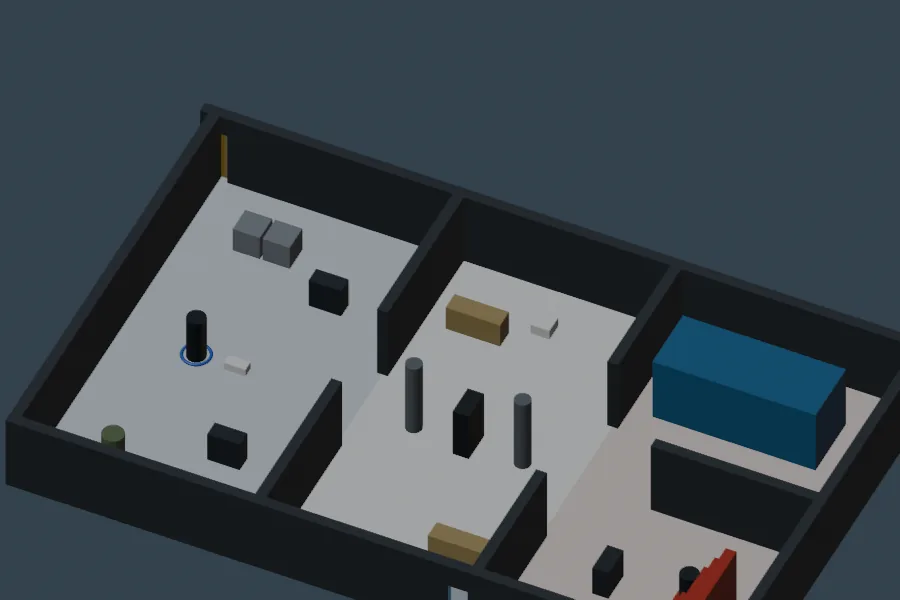
Every Level Draft export includes level.glb, a glTF 2.0 model of your level. Blender opens it with its built-in importer, so you can start modeling on top of a layout that already works.
Steps
- In Level Draft, click Export, then .glb only (or download the full .zip).
- In Blender, choose File > Import > glTF 2.0 (.glb/.gltf) and pick the file.
What's in the file
- Walls with real door and window openings, floors, stairs, ramps and objects, at 1 unit = 1 meter.
- One collection per floor, and readable object names such as
Wall_…andRoom_A_…. - Each object's Level Draft data (kind, id, type, shape, label, collision) in its Custom Properties, handy for scripts and add-ons.
The same .glb works in any tool that reads glTF, including game engines and web viewers.